
Add your custom HTML here
How to Order
Ordering your Champions Soccer Academy uniform through Soccer.com is a streamlined process. Because we are a member club, you will use a specific "Club Link" to ensure you get the correct kit and the academy’s negotiated pricing.
Follow these steps to complete your order:
1. Access the Champions FC Shop
- Go to Soccer.com.
- In the top navigation bar, click on "Find Your Team" (or look for the "Club Uniforms" link).
- Search for "Champions Football Academy" in the search bar.
- Alternatively, you can use our direct portal link provided by club.
2. Select Your Player Profile
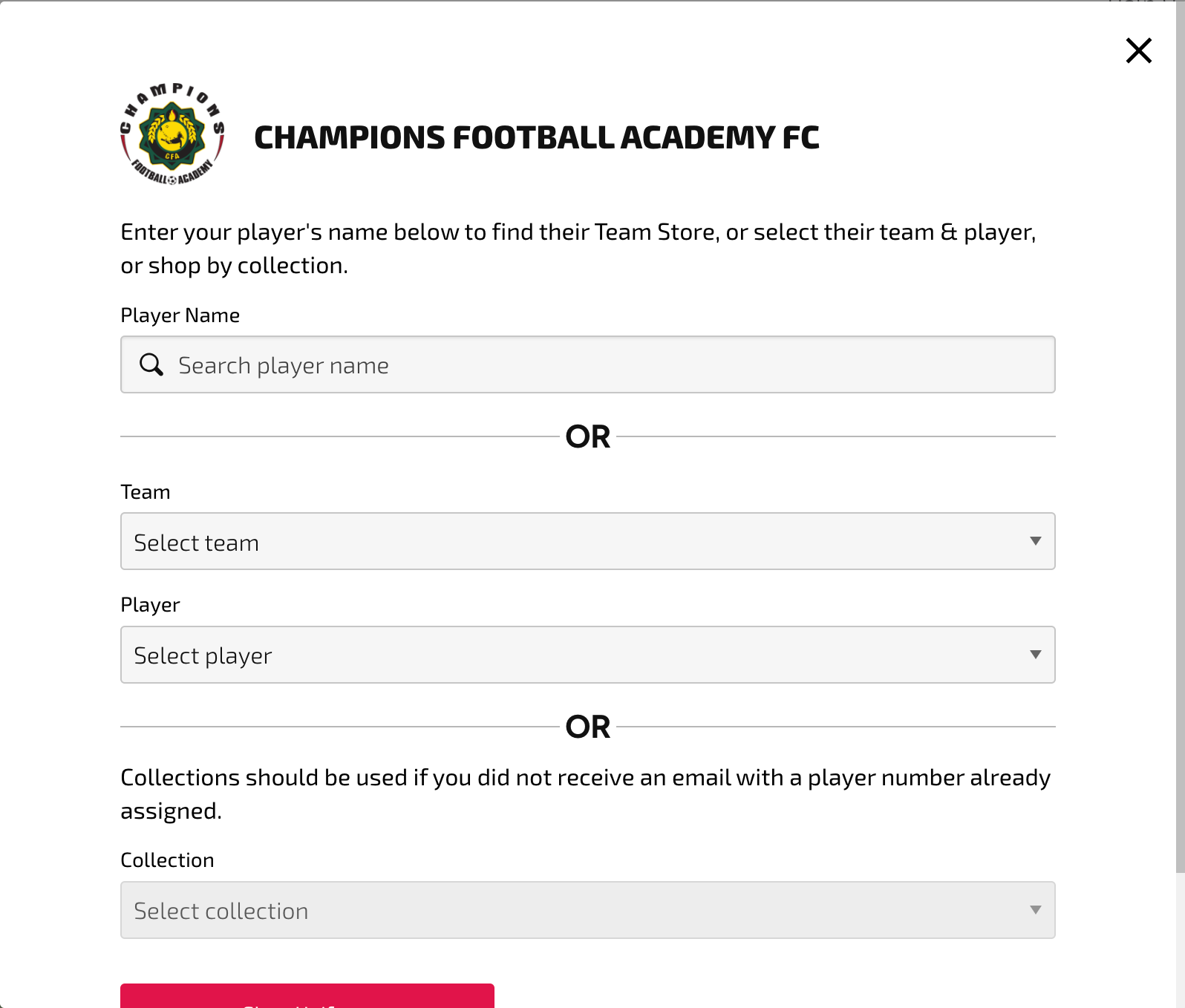
- Once on the Champions page, you will see a dropdown menu for "Collection" or "Team." Select your specific team (e.g., Select 2011-2009).
- Enter your Player’s Name. In many cases, the club has already uploaded the roster. If your name appears, select it to see your assigned jersey number.
- Important: If you do not see your name or are unsure of your jersey number, contact admin. Custom items with jersey numbers cannot be returned.
3. Choose Your Kit Packages
Soccer.com typically organizes the shop into three categories:
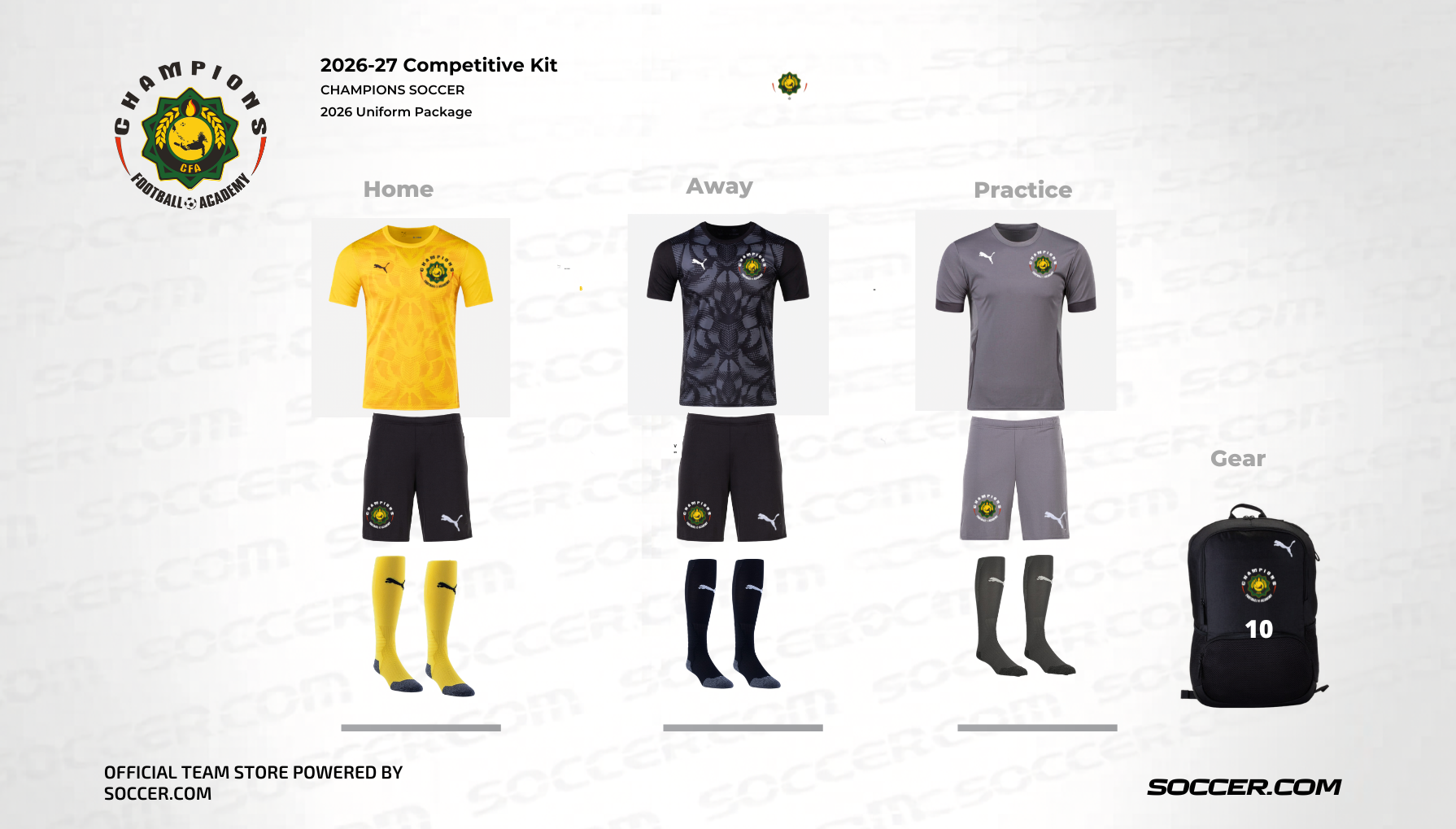
- Required Kit: This includes the primary home/away/practice jerseys, shorts, socks and back pack. All competitive players must have these.
- Recommended/Training Gear: This includes the academy warm-ups, and ball etc.
Spiritwear: Optional apparel for parents and fans.